
Vault Explorer
The Vault Explorer is where your documents live. This page walks through each view in the left sidebar, plus how imports appear in the folder tree and how workflows group packages together.
Files & Folders
The Files & Folders view shows your vault as a folder tree, similar to File Explorer or Finder on your computer. Each row lists the folder name, subfolder count, and total packages.
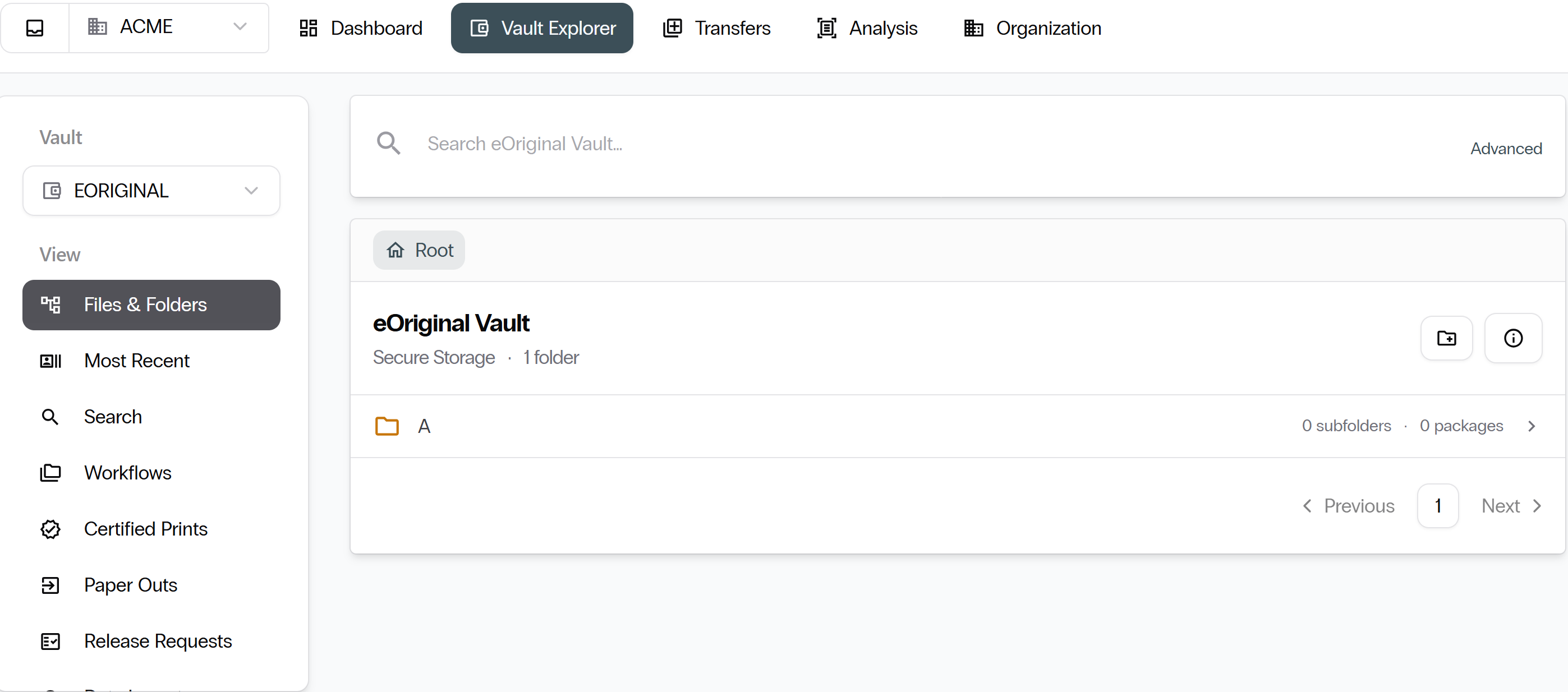
Import folders in the tree
Bulk imports appear as dated folders alongside your regular folder tree. Each import folder contains all packages created during that import batch.
Search
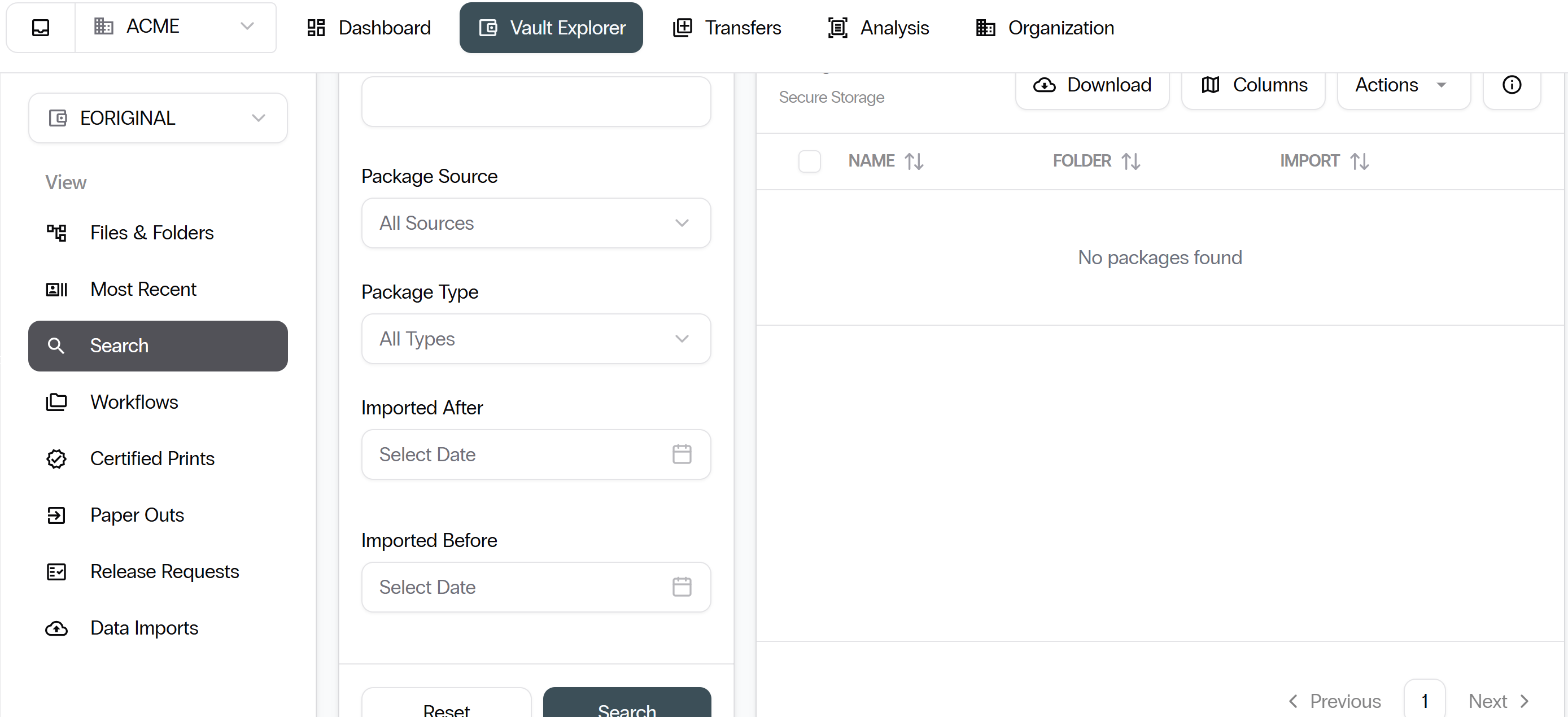
Select Search from the left sidebar to filter across your entire vault.
You can search by any of the following fields.
- Package name
- Package source
- Package type
- Import date range
- Account ID or full name
Workflows
Workflows are saved groupings of packages, similar to labels or tags. Select Workflows from the left sidebar to see all workflows for your vault.
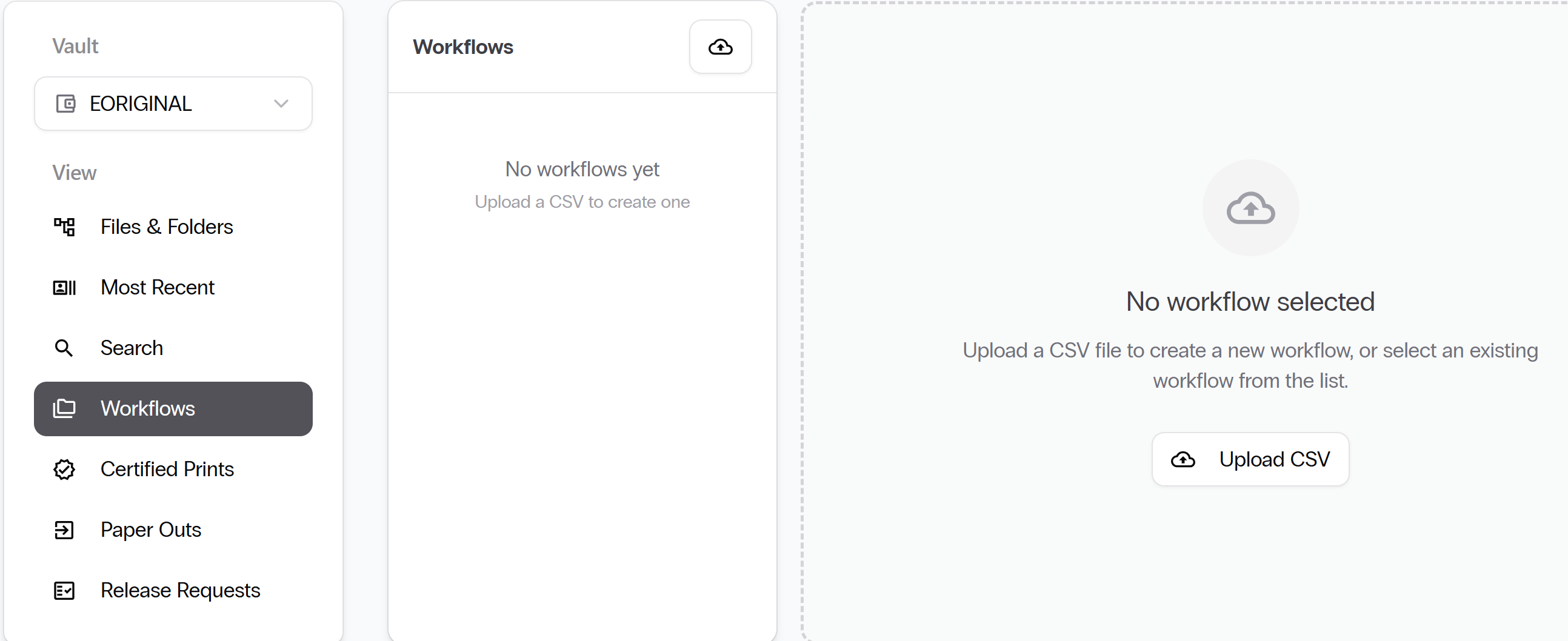
Select any workflow in the list to view every package assigned to it.
Workflows can also gather packages you have already acted on.
Certified Prints
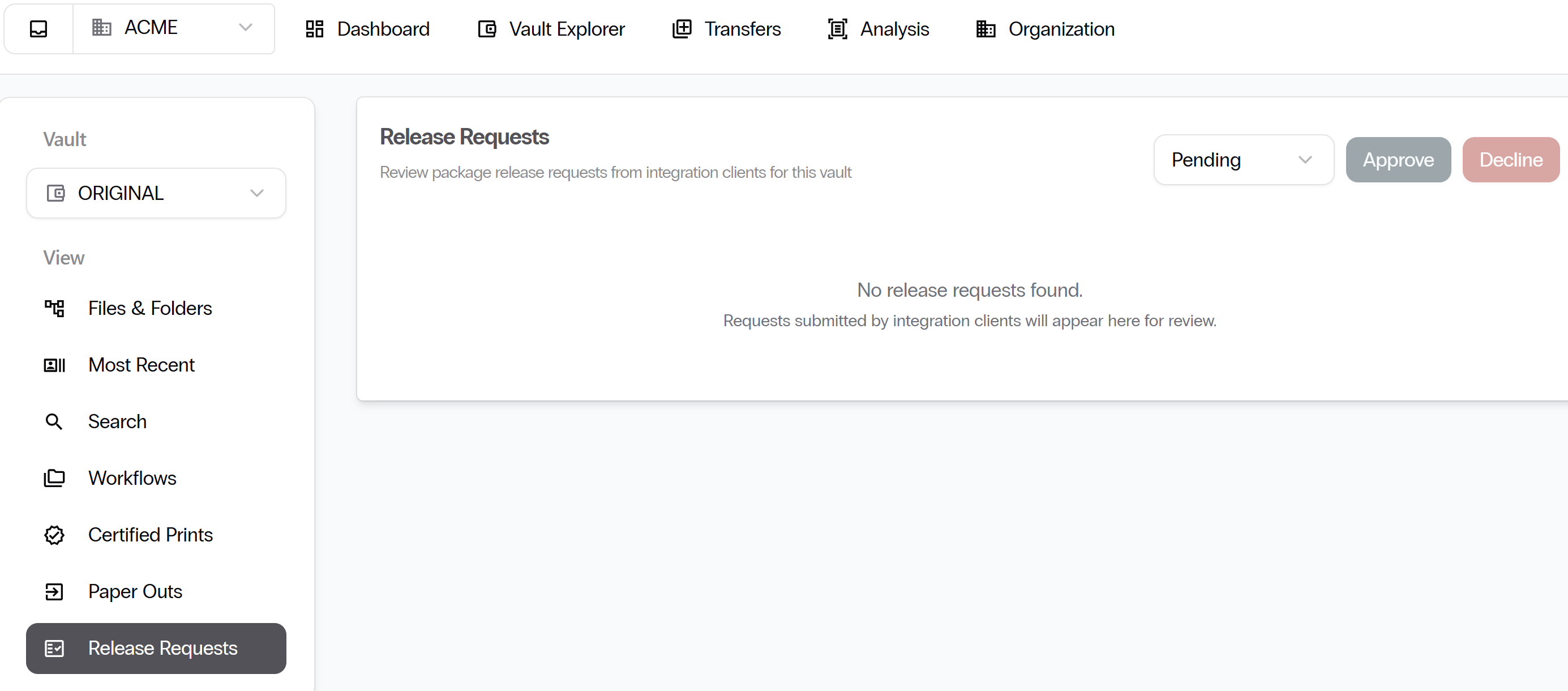
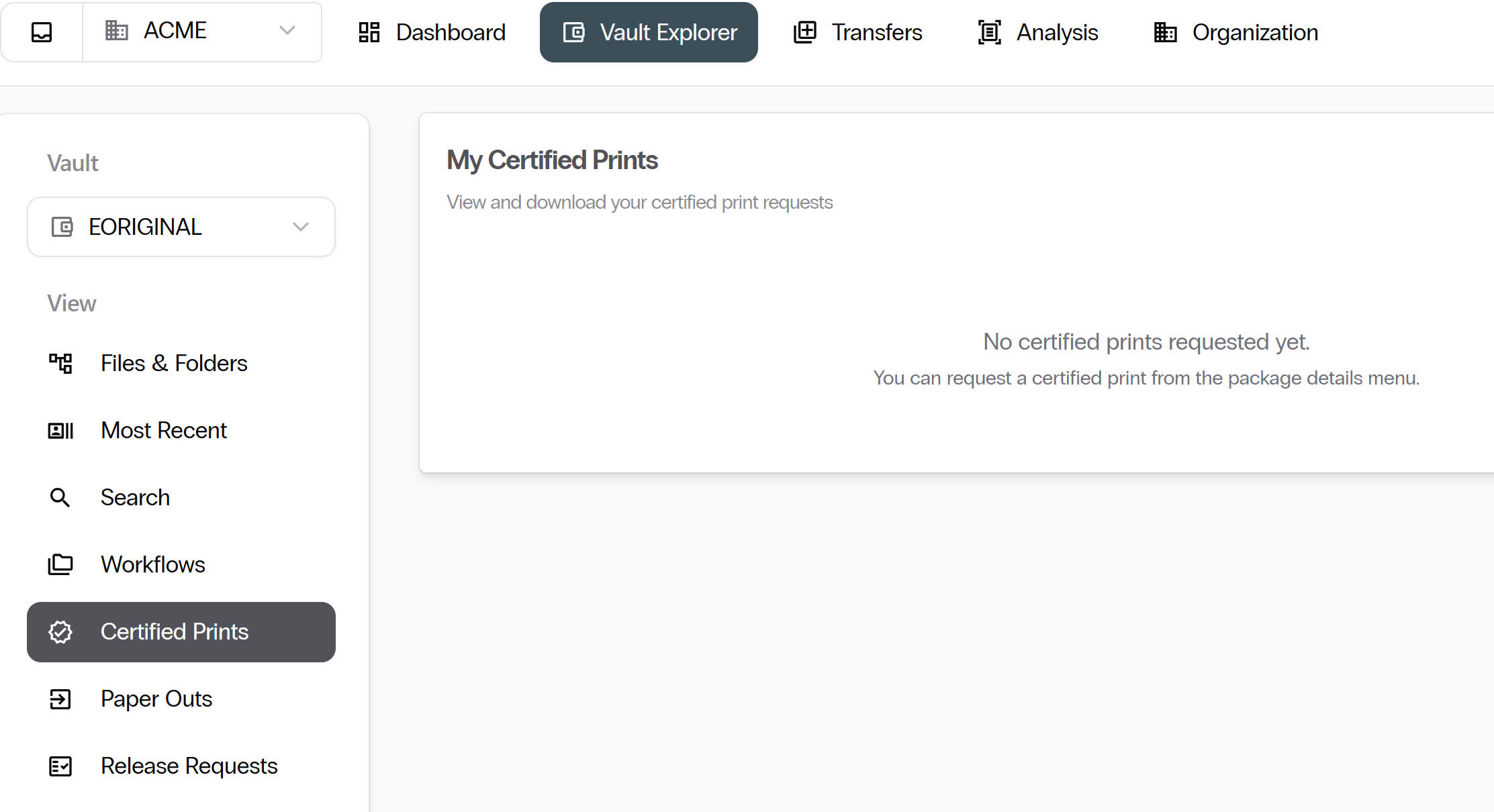
Select Certified Prints from the left sidebar to view every certified print request in the vault.
Paper Outs
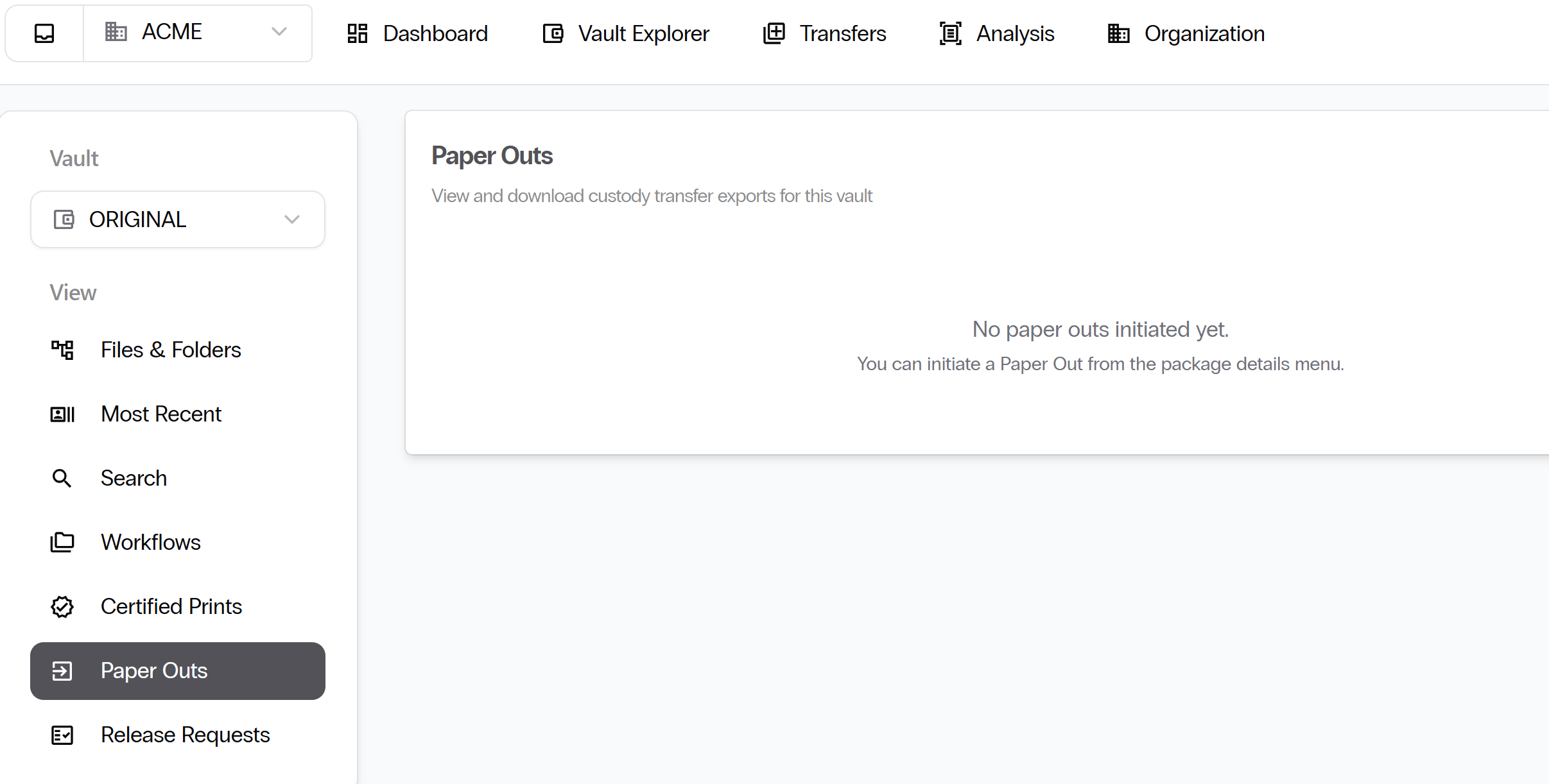
Select Paper Outs from the left sidebar to view every paper-out request. Approved paper-outs list a download link that expires after 7 days.
Most Recent and Data Imports
- Most Recent: Shows the latest packages ingested into your vault.
- Data Imports: Provides a log of every bulk import job, its status, and any errors.
Open a package
Select any package to open the detail panel on the right. The detail panel contains four tabs.
Files tab
The Files tab shows all documents stored in the package.
Fields tab
The Fields tab shows custom metadata on the package.
Notes tab
The Notes tab is where you and your teammates leave comments on the package.
History tab
The History tab is the package's audit trail. History is the first place to look when reconstructing what happened to a package.
Next: Transfers. Continue with Transfers.