
Prints, Paper-outs, and Transfers
This page covers how to retrieve documents from your vault.
Download a Package
For packages that were uploaded directly, you can download the contents at any time.

- Open the package.
- Select Download from the actions menu.
Downloaded files may include a watermark applied by your administrator.
Request a Certified Print
A certified print is an officially stamped copy of a document plus its complete audit trail, packaged as a downloadable file.
The document stays in the vault. The certified print is tamper-evident.
- Open the package, or select multiple packages.
- Select Certified print from the actions menu.
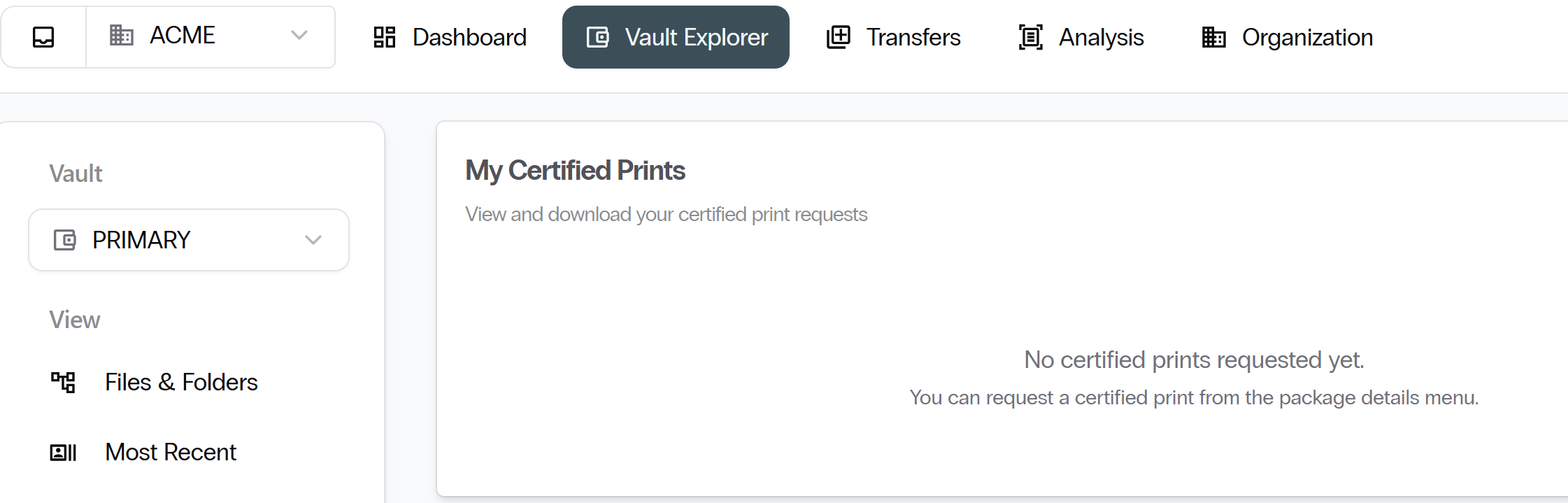
- Wait for the print to be generated.
- Select Certified Prints from the left sidebar and download the file.
Request a Paper-out
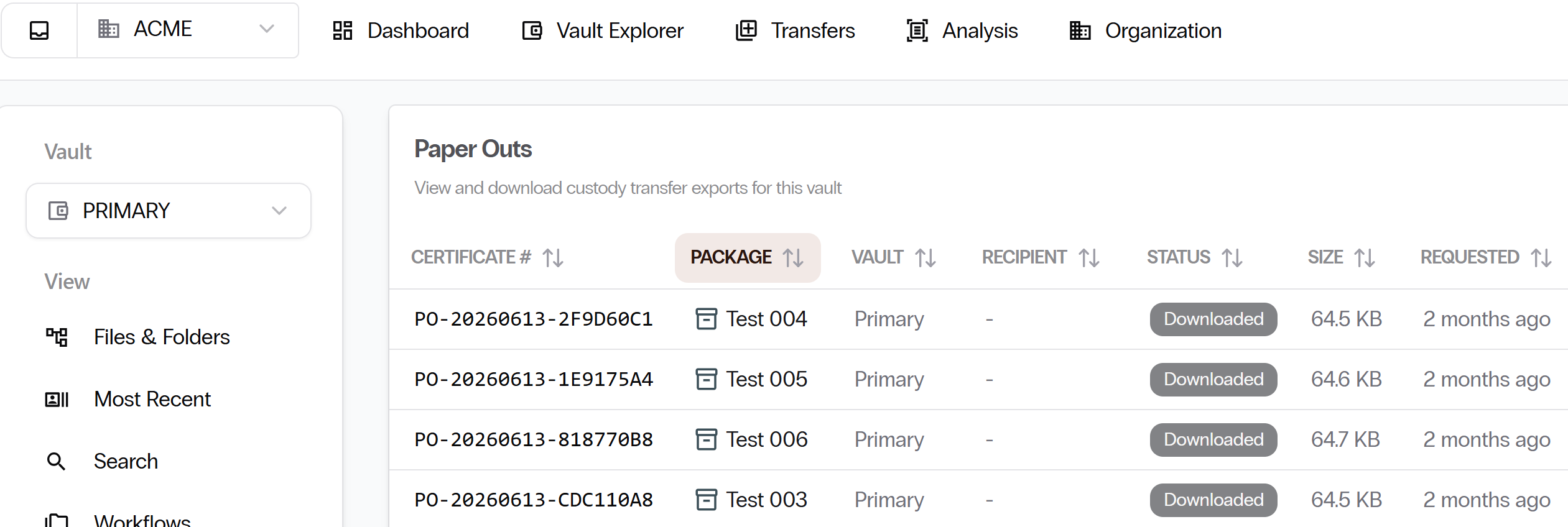
A paper-out permanently extracts a package from eVault.
This action is irreversible. Download links expire after 7 days.
- Open the package you want to extract.
- Select Request release from the actions menu.
- Your request is sent to the Operations team for review and approval.
- If approved, you will receive a download link.
- Download the file and select Acknowledge receipt to complete the process.
Transfer Packages to Another Organization
You can send document packages to a partner organization that also uses eVault. A transfer agreement must be in place first.
Send a Transfer
- From the top navigation, select Transfers.
- Browse to the package or packages you want to transfer.
- Select the destination vault from your available transfer agreements.
- Confirm and send.
Receive a Transfer
- Incoming transfers appear on the Dashboard under Incoming Transfers, or navigate directly to Transfers.
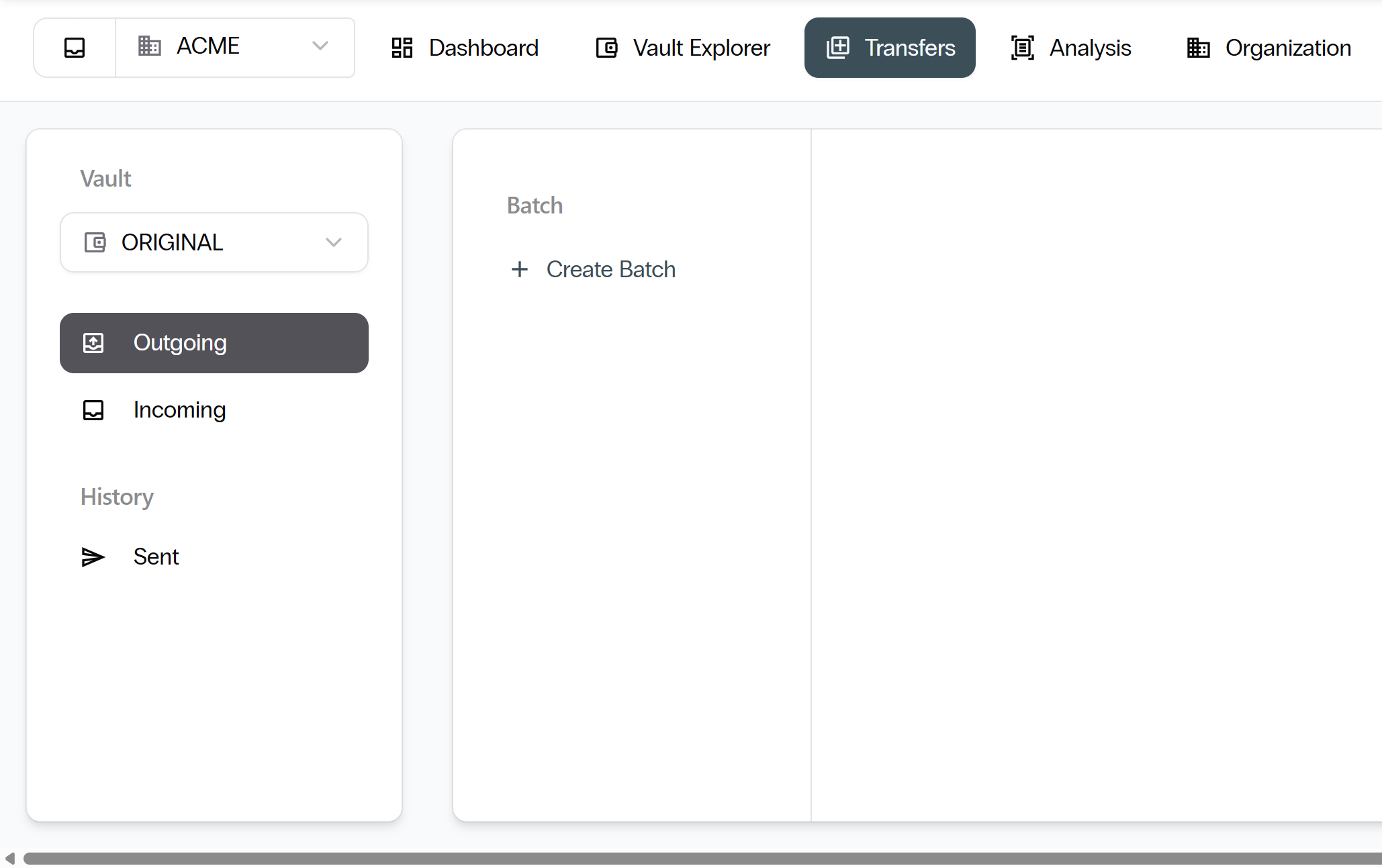
- Browse the package files before you decide.
- Select Accept or Reject.
You have reached the end of the Client User Guide. Return to the eVault Client User Guide landing page.