
Organization
The Organization tab is the settings and administration surface for your organization. It gathers members, vaults, partners, activity, and integrations into one place. Most sections are view-only for standard users.
Layout
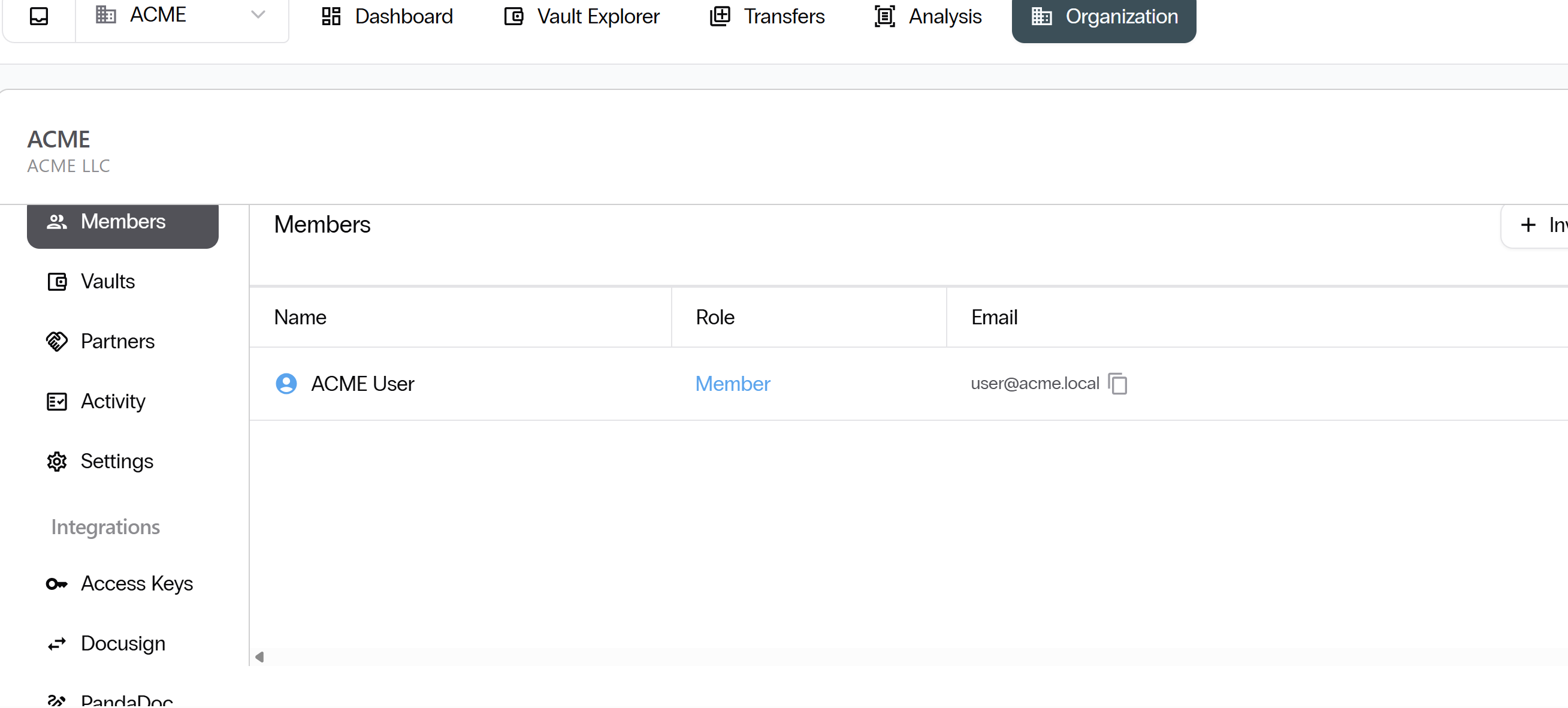
To open Organization, select Organization from the top navigation bar. The left sidebar has Members, Vaults, Partners, Activity, Settings, and an Integrations submenu.
Members
The Members section lists every user in your organization. Each row shows the user, their role, and their email.
Vaults
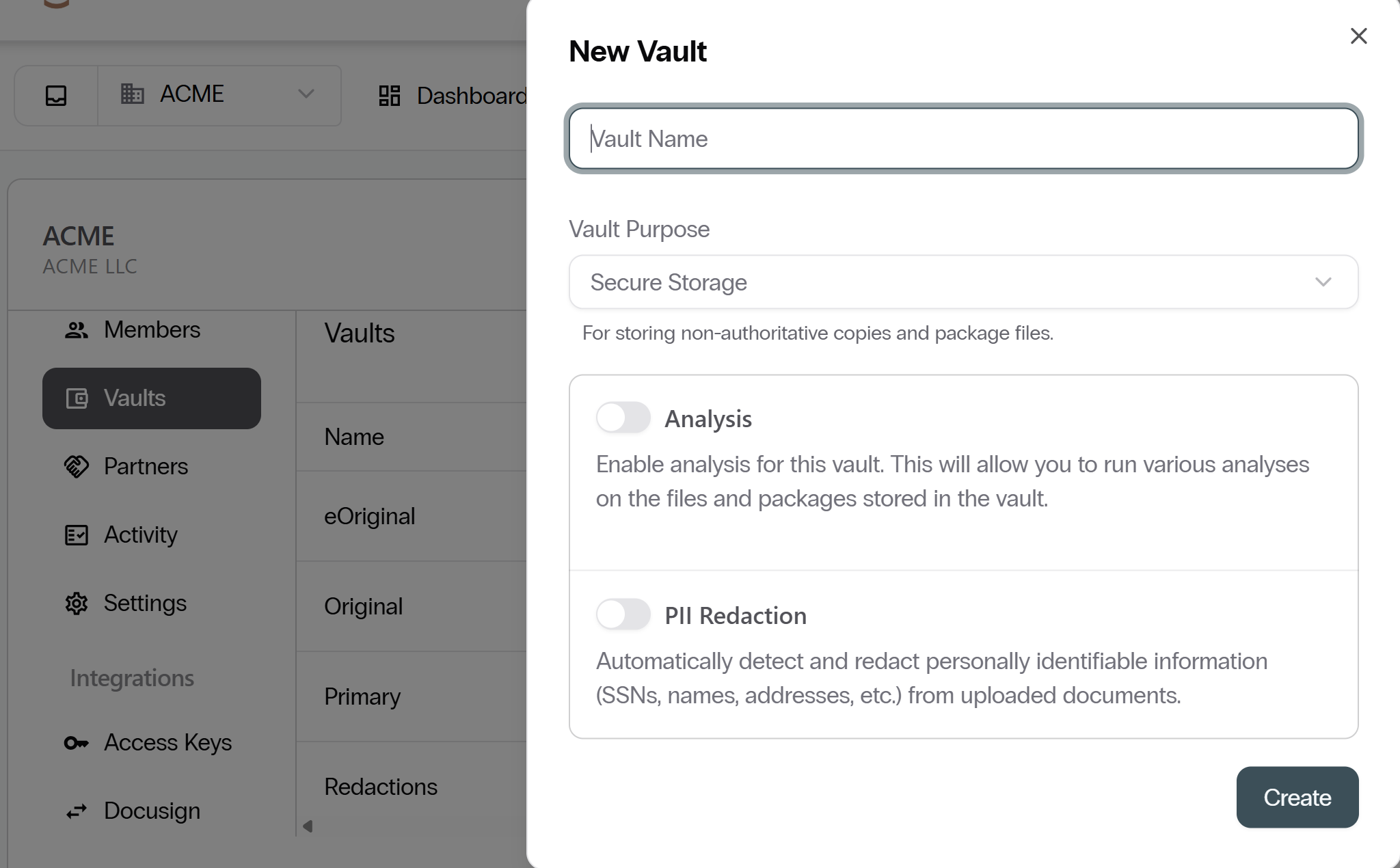
The Vaults section shows all vaults that belong to your organization.
Field Mappings
Selecting a vault opens its configuration. Field Mappings define the custom metadata that packages in the vault carry.
Watermarks
Each vault can be configured with a watermark that is applied when documents are downloaded.
Partners
The Partners section shows all partner organizations that have transfer agreements with your vaults.
- Each partner entry shows the partner organization name and the number of transfer agreements.
- Select Agreement at the top-right to propose a new agreement.
Activity
The Activity section provides a full log of actions taken across your organization.
Settings
The Settings section shows your organization's profile details.
Integrations
The Integrations submenu lets you connect eVault to external services.
Access Keys
Access Keys are API credentials that let external systems connect programmatically. Each key is prefixed vv_ and is shown only once at creation.
Keep access keys secure. Treat them like passwords.
Next: Important Security Features. Continue with Important Security Features.